Any screen. Any venue.
OpenSpace adapts to your display whether you’re running on a personal laptop or a 30-meter planetarium dome, with fisheye rendering, MPCDI mesh warping, multi-projector blending, and tiled wall support built in.
Dome theaters

Full-dome projection for fixed and portable planetariums. OpenSpace works with your existing projector alignment, warp meshes, and edge blending.
- Support for single and multi-channel projection systems
- Master and node image generator support with C-Troll
- Fisheye, cylindrical, and equirectangular output modes
- Compatible with portable inflatable and permanent fixed domes
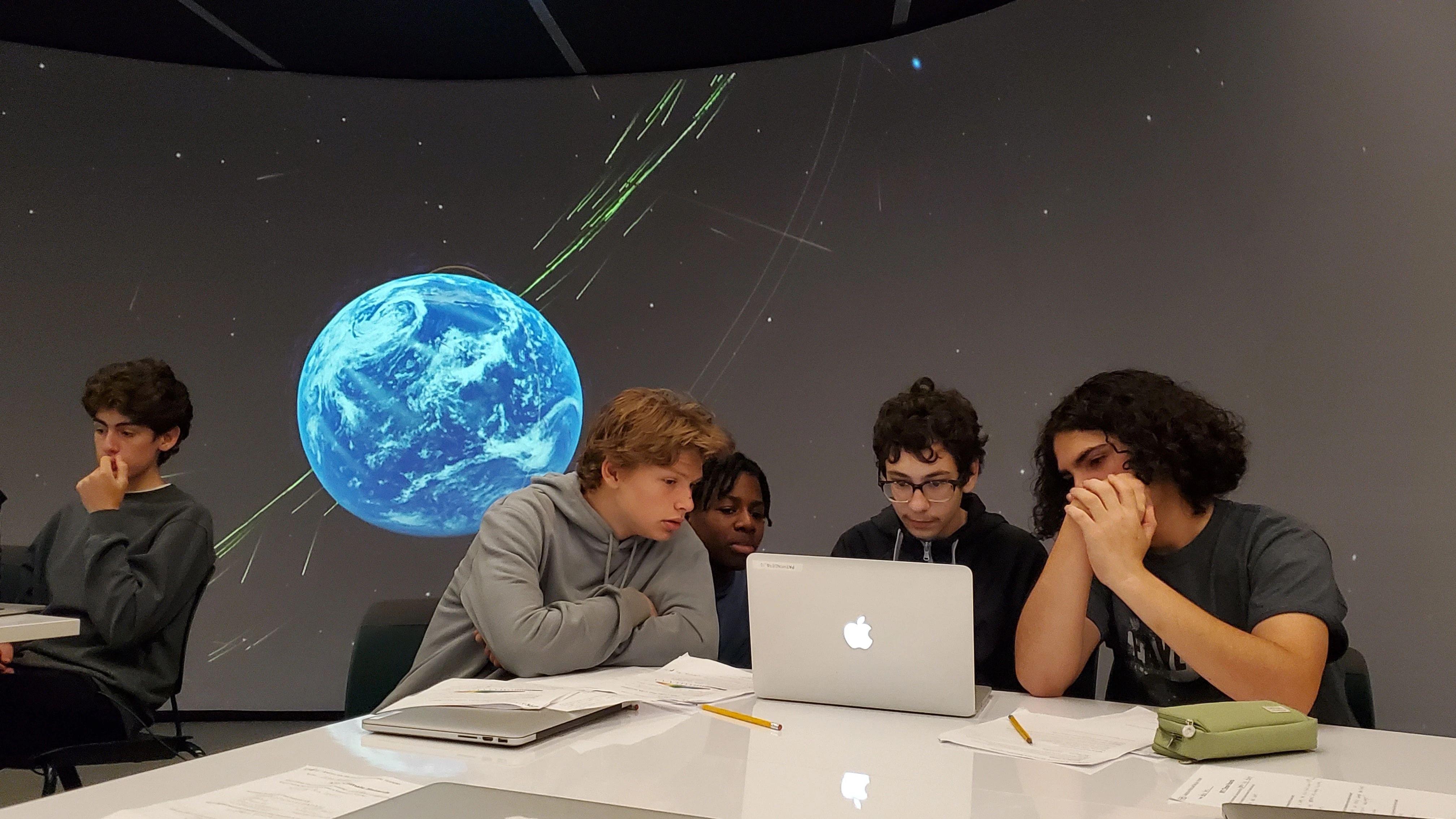
Classrooms & desktops
OpenSpace runs on Windows and Linux from a standard laptop or workstation.
- Windows and Linux — no licensing costs
- Runs on laptops with gaming graphics cards
- Single-monitor and multi-screen desktop configurations
- Projector and interactive whiteboard compatible
Museum exhibits
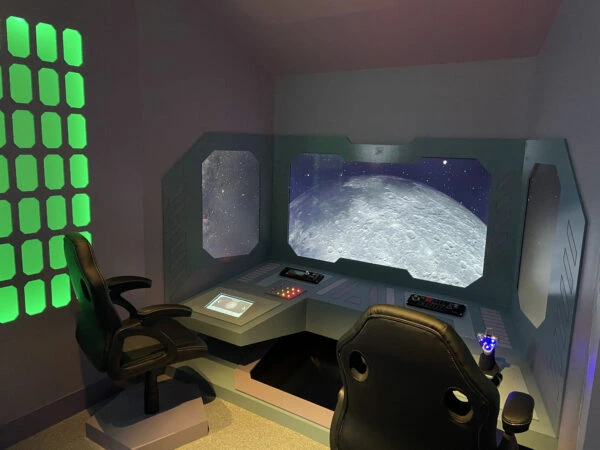
Touch-enabled kiosks, locked profiles, and synchronized multi-screen displays for permanent and traveling exhibits. Visitors get a curated experience using the same content available in the planetarium.
- Touch and gesture input for kiosk-style exhibits
- Custom UI profiles — lock to specific content or flight paths
- Synchronized multi-display walls and segmented spheres
- Supports permanent installations and traveling shows
Fisheye rendering
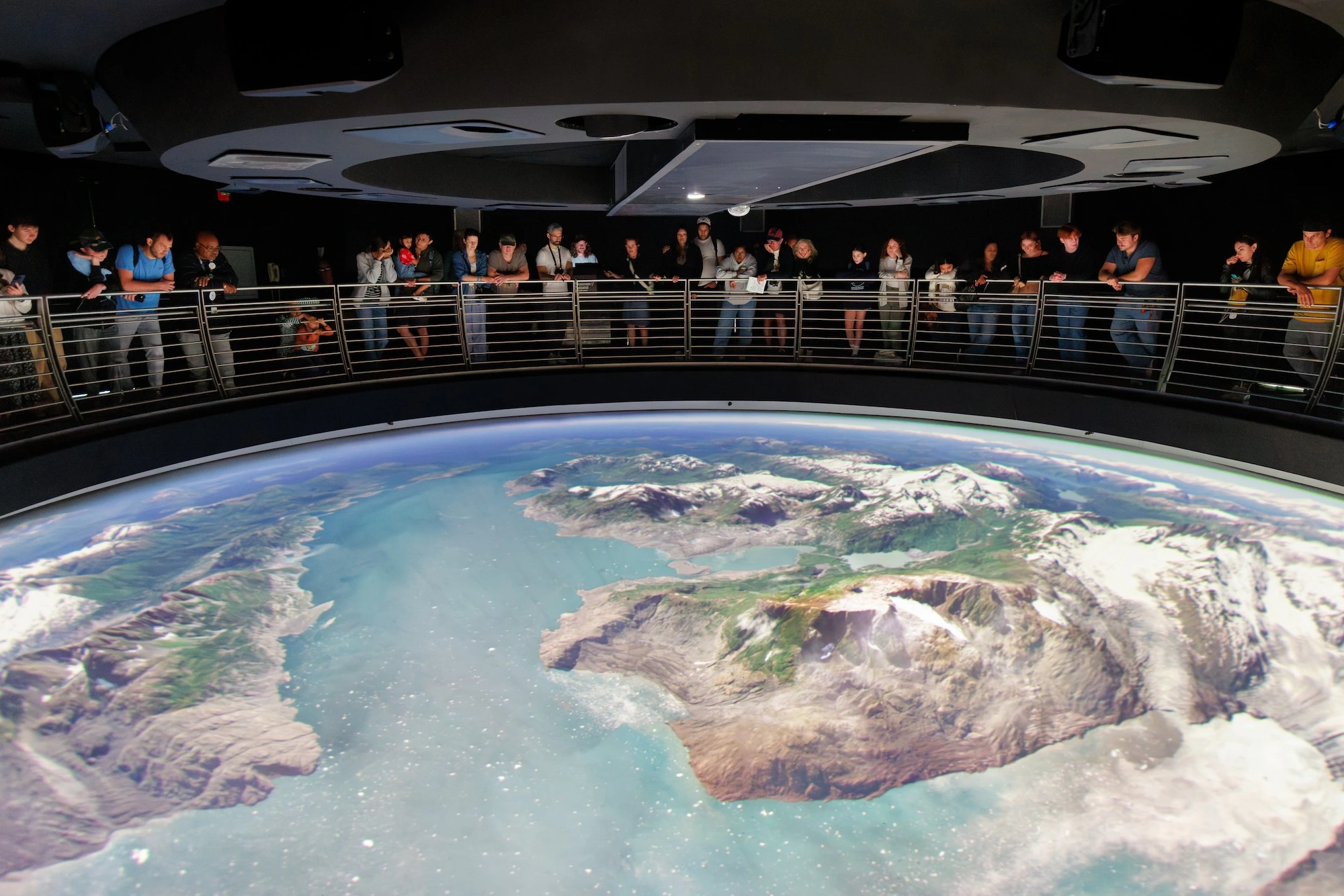
OpenSpace’s fisheye renderer reproduces the full 180° hemispherical field of view required for dome theaters. The projection is computed natively — not post-processed — maintaining full frame rate and visual fidelity at any resolution.
- Native 180° fisheye — no post-process warping
- Per-eye stereo rendering for 3D dome experiences
- Supports 4K and 8K output resolutions
- Equirectangular and cubemap outputs for previews
- SPOUT output for integration with compositing tools
Technical capabilities
MPCDI support
Reads industry-standard MPCDI calibration files for precise mesh warping and blending on any dome or curved screen.
Edge blending
Soft masking and gamma correction across projector boundaries for seamless multi-projector displays.
Projection modes
Soft masking and gamma correction across projector boundaries for seamless multi-projector displays.
Multi-node sync
Synchronized rendering across multiple GPUs and machines for tiled video walls and segmented spheres.
Window configs
A single JSON file describes your entire display setup. Switch between venues without reinstalling.
Cross-platform
Windows and Linux. Runs on consumer hardware and professional visualization clusters alike.
Set up OpenSpace for your venue
The documentation covers every display configuration in detail. Or get in touch and the team can help you configure OpenSpace for your specific setup.